TL;DR:
- Optimising your Google Business Profile increases local visibility and customer trust.
- Complete, consistently updated profiles with high-quality photos and reviews perform best.
- Ongoing management and engagement are crucial for sustained local SEO success.
Your business might be brilliant, but if a potential customer searches for your services nearby and you don’t appear in the results, that sale goes straight to a competitor. A poorly optimised Google Business Profile (GBP) is one of the most common reasons UK businesses lose local customers every single day. GBP is the free listing that powers your appearance in Google Search and Google Maps, and when it’s set up correctly, it becomes one of your most powerful local marketing tools. This guide walks you through every stage of the process, from preparation to monitoring, so you can start winning more local customers.
Table of Contents
- Understanding your Google Business Profile and its impact
- Preparation: What you need before optimising
- Step-by-step Google Business Profile optimisation
- Monitoring success and troubleshooting common issues
- What most businesses miss about Google Business Profile optimisation
- Get expert help for Google Business Profile optimisation
- Frequently asked questions
Key Takeaways
| Point | Details |
|---|---|
| Local visibility boost | Optimising your Google Business Profile greatly increases local search discoverability. |
| Preparation is vital | Verify your business and gather essential information before starting optimisation. |
| Ongoing updates matter | Regularly updating your GBP ensures sustained success and engagement from customers. |
| Monitor and troubleshoot | Tracking GBP metrics helps spot issues early, allowing you to resolve problems quickly. |
| Professional support helps | Expert services can streamline the process and maximise your local SEO potential. |
Understanding your Google Business Profile and its impact
A Google Business Profile is a free listing that allows your business to appear in local search results, Google Maps, and the knowledge panel that shows up on the right-hand side of search results. It displays your address, opening hours, phone number, website link, photos, and customer reviews. For any UK business that serves a local area, it is arguably the most important piece of digital real estate you can claim.
The reason GBP matters so much comes down to how people search. When someone types “plumber in Manchester” or “best café near me,” Google serves a local pack of three results before anything else. Those three spots are dominated by well-optimised profiles. An optimised GBP increases local search visibility and builds trust with customers who are ready to buy.
Here is a quick overview of the key features your profile can showcase:
- Business name, address, and phone number (known as NAP)
- Opening hours, including special holiday hours
- Customer reviews and your responses to them
- Photos and videos of your premises, team, and products
- Posts and updates similar to social media content
- Products and services with descriptions and pricing
- Q&A section where customers ask questions publicly
The data tells a compelling story. Businesses with complete profiles receive significantly more direction requests and website clicks than those with incomplete listings. Explore the full GBP optimisation service to understand what a fully built-out profile can do for your business.
| Profile element | Incomplete profile | Optimised profile |
|---|---|---|
| Search appearance | Occasional | Consistent |
| Customer trust signals | Low | High |
| Click-through rate | Below average | Above average |
| Review engagement | Rare | Regular |
| Local pack eligibility | Unlikely | Likely |
The table above makes it clear: the gap between a basic listing and a properly optimised one is enormous. Now that you know the value, let’s move to what’s required to optimise your profile.
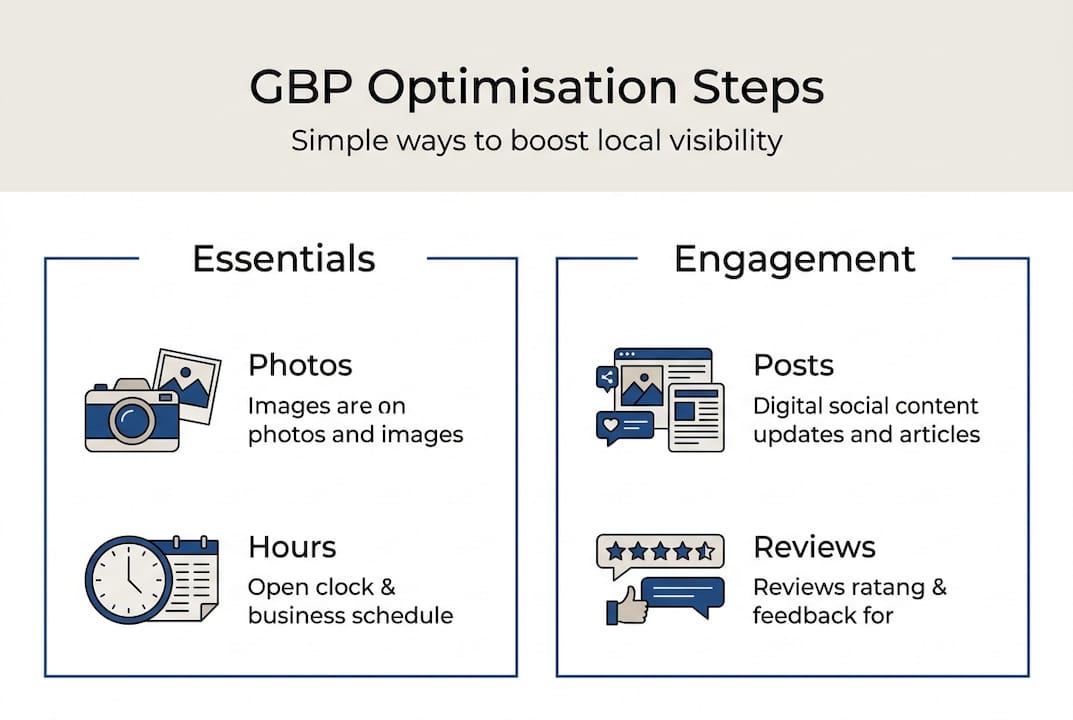
Preparation: What you need before optimising
Rushing into optimisation without the right foundations is a common mistake. Before you touch a single field in your profile, make sure you have everything in order.
First, verification. Accurate business information and verification are mandatory for GBP, and Google will not display your profile prominently until it’s verified. Verification typically happens via postcard, phone, email, or video, depending on your business type. The postcard method can take up to two weeks, so factor that into your timeline.
Here is a preparation checklist to work through before you begin:
- Business name exactly as it appears on your signage and website
- Primary address including postcode, formatted consistently
- Local phone number (not a national 0800 number where possible)
- Website URL pointing to the most relevant page
- Business category researched in advance
- Opening hours confirmed and up to date
- High-resolution logo and cover photo ready to upload
- At least five interior or exterior photos of your business
- A written business description of 750 characters that includes local keywords
If you have multiple staff members managing your online presence, set up appropriate access roles within your Google account before starting. This prevents accidental edits and keeps your profile secure. The GBP setup service can handle this entire process if you’d rather have it done properly from the outset.
| Requirement | Standard setup | Optimised setup |
|---|---|---|
| Photos uploaded | 1 to 2 | 10 or more |
| Business description | Blank or minimal | Full 750 characters |
| Categories selected | 1 primary only | Primary plus relevant secondary |
| Verification status | Pending | Confirmed |
| Posts published | None | Weekly or fortnightly |
Pro Tip: Upload photos that are at least 720 x 720 pixels and taken in good natural light. Profiles with ten or more high-quality images receive considerably more engagement than those with just one or two stock-style shots.
Once you’re fully prepared, it’s time to start the optimisation itself.
Step-by-step Google Business Profile optimisation
With your assets ready and your profile verified, follow these steps to build a profile that genuinely competes for local visibility.
-
Complete every business data field. Don’t leave anything blank. Every field you fill in gives Google more context about your business, which improves how and where you appear. Accurate and detailed GBP entries directly enhance search rankings, so treat completeness as non-negotiable.
-
Select the right categories. Your primary category carries the most weight, so choose the one that most precisely describes your core service. You can also add secondary categories. A florist that also offers event styling, for example, should list both.
-
Upload high-quality images and videos. Add photos of your team, your work, your premises, and any products you sell. A short 30-second video walkthrough of your shop or workshop adds personality and keeps visitors engaged longer.
-
Encourage and respond to customer reviews. Reviews are one of the strongest local ranking signals. Ask satisfied customers directly, via follow-up email or in person. Respond to every review, positive or negative, professionally and promptly. Your optimisation service details can include a review generation strategy tailored to your sector.
-
Use local keywords in your description and posts. Weave in the name of your town or city, your service area, and relevant service terms naturally. Avoid keyword stuffing. Your description should read well for humans first.
A critical note on NAP consistency: Your business Name, Address, and Phone number must be identical across your GBP, your website, social media profiles, and any online directories. Even a small discrepancy, such as “St.” versus “Street,” can confuse Google and harm your local rankings. Audit all your listings before and after optimisation.
Pro Tip: Use the Posts feature to share updates, offers, and events at least fortnightly. Google treats active profiles as more relevant, and posts appear directly in search results, giving you extra visibility without any additional cost. The GBP management guide covers a full posting strategy.
Once you’ve applied the optimisation steps, it’s important to verify and monitor your progress.
Monitoring success and troubleshooting common issues
Optimising your profile is not the end of the job. Tracking performance tells you what’s working and where to improve.
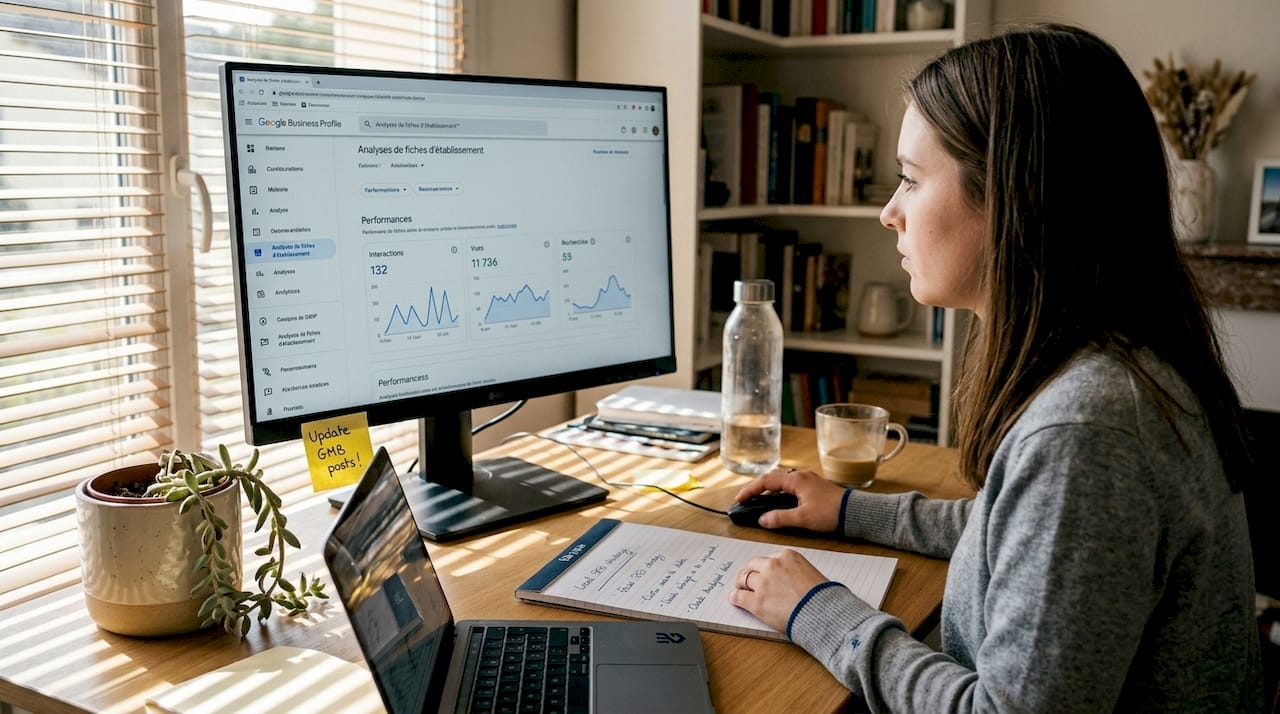
To access your analytics, log into your Google Business Profile dashboard and navigate to the Performance section. You’ll find data on how customers found your listing, what actions they took, and how your profile compares over time. Key metrics to watch include:
- Search views: How many times your profile appeared in search results
- Map views: How often your business showed up on Google Maps
- Website clicks: How many users clicked through to your site
- Direction requests: A strong indicator of genuine local intent
- Phone calls: Tracked directly from the profile
- Review count and average rating: Trends over time
Monitoring analytics and performance is crucial to ongoing GBP success, and reviewing these figures monthly gives you the data to make smart decisions. For deeper insight, pair your GBP data with technical SEO tactics that support your overall local strategy.
| Common issue | Likely cause | Recommended fix |
|---|---|---|
| Profile suspended | Policy violation or unverified listing | Review Google’s guidelines and re-verify |
| Duplicate listings | Multiple profiles created over time | Report duplicates via Google support |
| Wrong address showing | Old data or user-suggested edit accepted | Correct and lock your address details |
| Low review count | No active review request process | Implement a follow-up system for customers |
| Profile not appearing | Incomplete data or wrong category | Complete all fields and reassess primary category |
You can also manage and monitor your listings through GBP management advice tailored for UK businesses.
Pro Tip: Set a recurring calendar reminder every four weeks to review your profile. Check for any user-suggested edits that Google may have accepted without your knowledge, as these can sometimes introduce inaccurate information.
Understanding the results and fixing issues paves the way for sustainable local SEO. Next, let’s consider a strategic perspective.
What most businesses miss about Google Business Profile optimisation
Here’s an uncomfortable truth: most businesses treat GBP optimisation as a one-off task. They set it up, tick the box, and move on. That approach leaves a significant amount of visibility on the table.
GBP is a living asset. Google rewards businesses that stay active, post regularly, update their hours for bank holidays, and respond to reviews consistently. We’ve seen small businesses achieve noticeable seasonal spikes in enquiries simply by publishing timely posts tied to local events or seasonal demand. A garden centre that posts about spring planting in March, for example, captures searches that a dormant profile never would.
The compounding effect is real. Each update signals to Google that your business is active and relevant. Each review response builds trust with prospective customers reading your profile before they call. Over time, these small, consistent actions accumulate into a measurable ranking advantage. For a broader view of how this fits into your overall strategy, the SEO tips to rank higher resource is worth reading. Think of your GBP not as a listing but as a channel, one that requires the same ongoing attention as any other part of your marketing.
Get expert help for Google Business Profile optimisation
If this guide has made one thing clear, it’s that effective GBP optimisation involves more than filling in a few fields. It requires strategy, consistency, and ongoing attention to detail.
At Gregg King SEO, we offer a dedicated GBP optimisation service designed specifically for UK small and medium-sized businesses. From initial setup and verification through to ongoing GBP management service and performance reporting, we handle everything so you can focus on running your business. With over 20 years of experience in local SEO, we know what moves the needle. Visit Gregg King SEO to book a free consultation and find out how we can improve your local visibility starting today.
Frequently asked questions
How long does it take to see results from Google Business Profile optimisation?
Most businesses notice improvements in local search visibility within two to four weeks, though improvements appear gradually in competitive sectors and may take several months to fully materialise.
Can I manage my Google Business Profile myself or should I hire a professional?
You can handle basic optimisation yourself, but professional GBP management typically delivers stronger and more consistent results, particularly when it comes to ongoing maintenance and review strategy.
What common mistakes should I avoid when optimising my GBP?
Avoid inconsistent NAP information across platforms, ignoring customer reviews, and leaving your profile content unchanged for months. Consistency and ongoing engagement are the two factors that separate high-performing profiles from invisible ones.
Is Google Business Profile optimisation a one-time task?
No. GBP optimisation requires regular updates and consistent monitoring to maintain and grow your local search rankings over time.
Do photos and videos really impact GBP performance?
Absolutely. High-quality images boost engagement significantly, and businesses with rich visual content tend to receive more direction requests and website clicks than those without.
Recommended
- Google Business Profile Optimisation Service – Gregg King SEO
- Advanced Technical SEO Tactics to Boost Your Google Business Profile Rankings (UK Guide) – Gregg King SEO
- Google Business Profile Optimisation Edinburgh – Gregg King SEO
- Why Google Business Profile is Important – Gregg King SEO
- Lokale SEO Rosenheim 2026: 70% Mehr Sichtbarkeit